Review
Best Web Hosting for Beginners in 2026 (Tested and Ranked)
Hostinger, Bluehost, and SiteGround ranked: the cheapest start, the best WordPress setup, and the best support — with renewal prices explained.
Explore wordpress tools and discover relevant software, tools, features, pricing, and practical solutions on SaaSNivo.
This tag groups SaaS products and software related to wordpress tools, helping readers discover relevant tools and compare available solutions.
WordPress Tools refers to software, tools, or solutions focused on this technology or business use case.
It can be useful for individuals, teams, agencies, startups, and organizations depending on their requirements.
Compare features, pricing, integrations, usability, security, support, and suitability for your workflow.
Information checked:
Hostinger, Bluehost, and SiteGround ranked: the cheapest start, the best WordPress setup, and the best support — with renewal prices explained.
Hostinger vs. Bluehost vs. SiteGround in 2026: the real prices, renewals, backups, and support compared — with a clear winner for first-time buyers.
Kinsta starts at $35 a month for managed WordPress hosting on Google Cloud. Is the speed, support, and security worth the premium price? We break it down.
WP Engine starts at $28/mo billed annually. We break down the plans, performance, features, and renewal math: is managed WordPress hosting worth it?
SiteGround costs more than budget hosts and renews at $17.99/mo. We break down the plans, features, and renewal math: is it worth it?
Bluehost is the beginner WordPress host, but the renewal jump is steep and the 2026 Black Friday deal is smaller than last year. The real cost inside.
Hostinger's Black Friday sale starts at $1.99/mo, but renewals jump to $10.99. A research-based review of the plans, the real cost, and who should buy.
WordPress gives you control and ownership; Wix and Squarespace give you speed and zero maintenance. The real cost, SEO, store, and lock-in comparison.
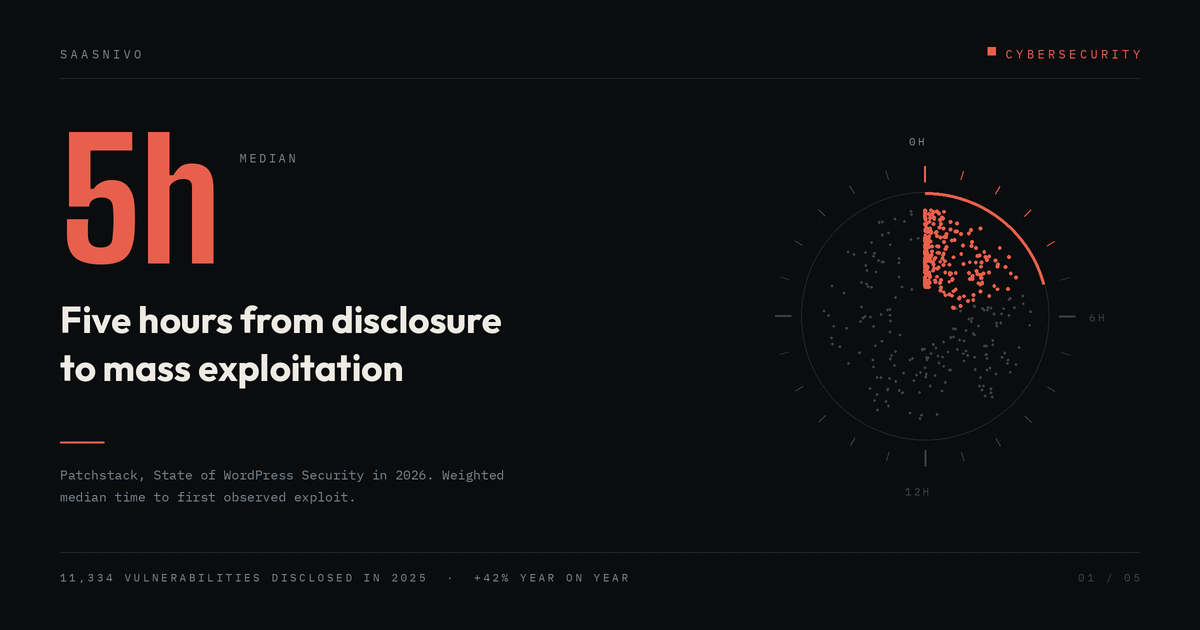
Plugin updates are necessary, but Patchstack's 2026 report shows why update hygiene alone is not a complete WordPress security strategy: disclosures can be exploited within hours and many arrive before a vendor fix exists.
Starting a website in 2026 takes a weekend, not a degree: pick a domain, choose hosting with honest renewal math, install WordPress, and launch.
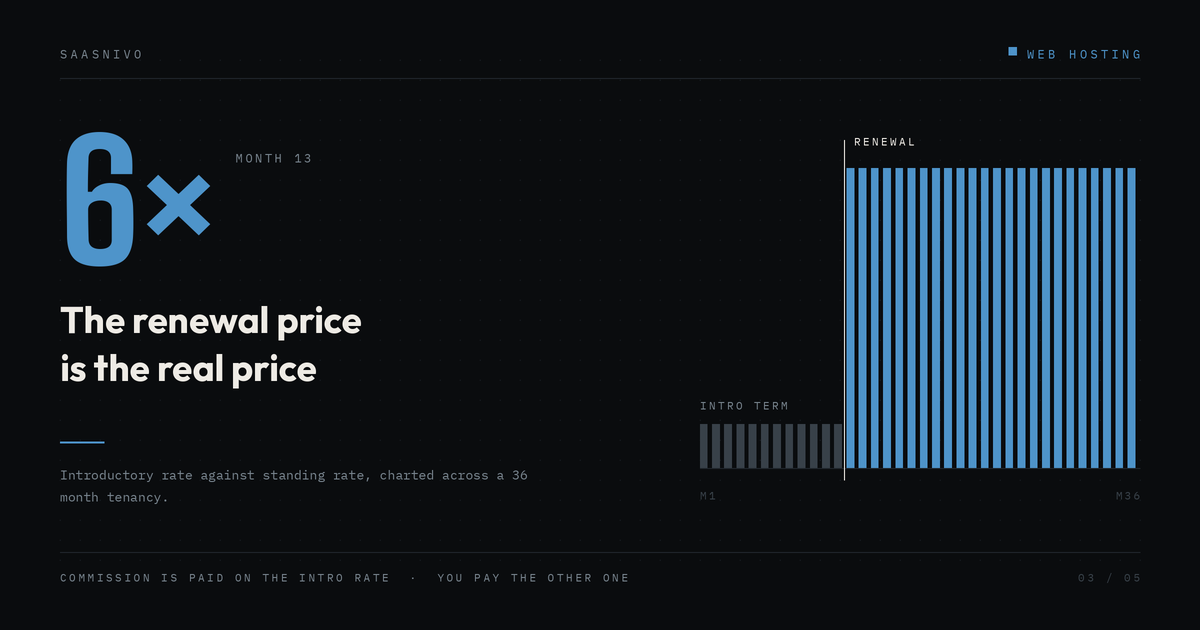
The headline hosting price is rarely the price you actually pay. Here’s how to calculate renewal costs, backups, domains, traffic, and switching costs before you buy.
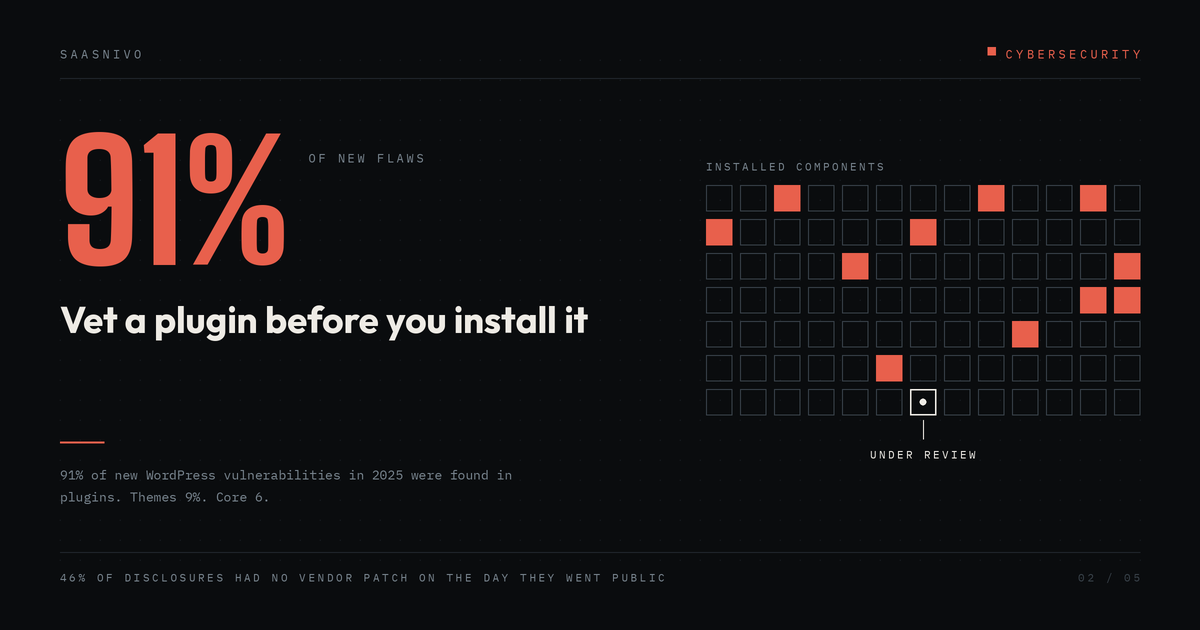
Learn how to check if a WordPress plugin is safe before installing it. This practical checklist covers vulnerabilities, updates, support activity, disclosure processes, permissions, and plugin risk.
A basic self-hosted blog costs roughly $50–$100 in year one. What you must pay, what to skip, and the renewal trap that catches beginners.

Google Search Console is free, and setup takes about 15 minutes. Add your property, verify ownership, submit your sitemap — here is each step, done right.
Core Web Vitals are three numbers Google uses to judge how fast and stable your pages feel. Here's what LCP, INP and CLS mean — and how to check yours free.
A WordPress backup is the difference between a bad afternoon and a lost business. Here is how to set one up — free and paid — and actually restore from it.
Shared hosting is cheap and simple. A VPS gives you reserved resources and full control. Most beginners should start shared — here is when to move.
Turn on two-factor authentication on Google, Apple, Microsoft, Facebook, Instagram, WhatsApp, X, GitHub and Amazon — step-by-step setup paths inside.
Install WordPress on Hostinger the easy way: pick a plan, run the 1-click installer in hPanel, set your admin login, and log in at /wp-admin.
Move a WordPress site to a new host with zero downtime: back up first, copy the files and database, test on a temporary URL, then switch DNS last.
Bluehost Black Friday 2026: up to 25% off when you bundle hosting with AI tools on 12-month terms. Live to 30 November — no code needed.